Wireframe to Prototype: UX Best Practices
Quick Summary
The transition from wireframes to prototypes is crucial in designing user experiences. Wireframes are static layouts that focus on the structure and layout of a design using grayscale and placeholders. In contrast, prototypes are interactive models that include clickable elements, animations, and more realistic visuals. This progression is essential because it allows for early identification and resolution of potential issues, ultimately saving time and money in the development process. By moving to prototypes, designers can test usability and ensure that the user interface functions as intended before further development. This phase is important for refining the design and making necessary adjustments based on usability testing.
When designing user experiences, moving from wireframes to prototypes is a key step. Wireframes focus on structure and layout, while prototypes add interactivity and usability testing. This transition helps identify issues early, saving time and money. Here’s what you need to know:
- Wireframes: Static layouts showing structure, using grayscale and placeholders.
- Prototypes: Interactive models with clickable elements, animations, and realistic visuals.
- Why It Matters: Fixing issues in prototypes is cheaper than during development. Testing with just five users can reveal 85% of usability problems.
Key Steps:
- Start with low-fidelity wireframes to map user flows.
- Add content hierarchy and refine layouts.
- Introduce interactivity for usability testing.
- Test and iterate before final development.
UX success hinges on user-centered design, consistent systems, and early accessibility checks. By following a structured approach, you ensure designs align with user needs and business goals.
Mastering Wireframes, Prototypes, and UI UX Tools | Complete Guide for Designers
Wireframes vs. Prototypes: Key Differences
What Are Wireframes?
Wireframes act as the backbone of your design – a static, stripped-down guide that lays out the structure, layout, and content placement without any visual embellishments like colors or fonts. Think of them as the architectural blueprints of a building, showing the framework before any decorative details are added.
These low-detail sketches rely on grayscale, basic shapes, and placeholder text to keep the focus on functionality. Tom Lowry, Director of Advocacy at Figma, explains:
“It’s frustrating if people are commenting on visuals when what you actually need is high-level feedback, like ‘Is this the most important thing?'”
A great example comes from Slack‘s early development. The team used functional wireframes to map out key elements like channels, message threads, and user lists. These wireframes helped them nail down the structure before worrying about aesthetics. Once the skeleton was in place, they moved on to the next stage – prototypes.
What Are Prototypes?
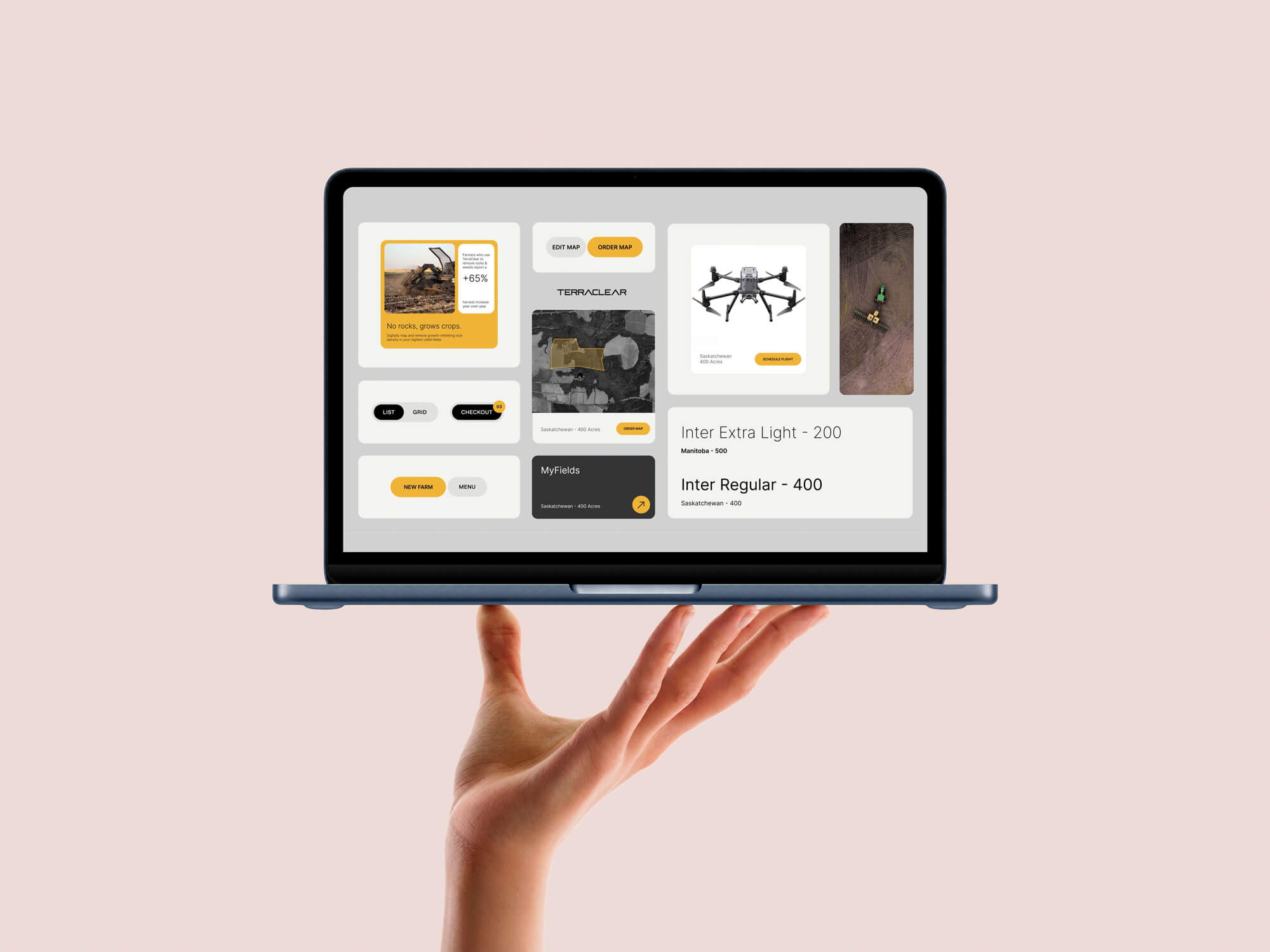
Prototypes take the foundation laid out by wireframes and turn it into something interactive. They simulate how users will interact with the design by adding clickable elements, animations, and realistic visuals. These simulations can range from simple clickable models to polished designs with full-color schemes, typography, and images.
For instance, Airbnb’s designers start with wireframes to refine core flows like search and booking. Then, they build high-fidelity prototypes that include interactive maps and seamless screen transitions. This lets them observe how users interact with the design and fine-tune the experience before writing a single line of code.
The goal here shifts from arranging elements to testing usability – pinpointing issues like unnecessary clicks or unclear navigation paths.
Why the Transition Matters
Moving from wireframes to prototypes is a crucial step in turning abstract ideas into something tangible. Wireframes ensure alignment on structure, while prototypes let you see how users will actually engage with the design.
This shift can also save money. Fixing design flaws during prototyping is 10 times cheaper than addressing them after coding has started. And usability testing is incredibly effective – even testing with just five users can uncover 85% of usability problems. Plus, investing in UX pays off big: for every dollar spent, companies see an average return of $100 – a staggering 10,000% ROI.
| Feature | Wireframe | Prototype |
|---|---|---|
| Nature | Static blueprint | Interactive simulation |
| Focus | Structure and functionality | User behavior and interaction |
| Visuals | Grayscale and basic shapes | Colors, typography, real images |
| User Testing | Early feedback on structure | Usability testing on interactions |
| Phase | Ideation/Initial planning | Testing/Validation |
Prototypes provide stakeholders with a hands-on preview of the design, enabling more targeted feedback before development begins. This process ensures that the final product aligns with user needs and expectations. As Tom Lowry puts it:
“The wireframe gives people an early window into the project, before you’ve invested a lot of time polishing something.”
How to Transition from Wireframe to Prototype
Moving from wireframe to prototype is a step-by-step process. You start by defining the structure, then work on the visual design, and finally add interactivity. Rushing through these steps can lead to costly mistakes in the design’s foundation. This methodical approach ensures that the design evolves smoothly while maintaining a consistent user experience (UX).
Define User Flows and Create Low-Fidelity Wireframes
Begin by mapping out the key user flows in your design. This means identifying all navigation paths between screens, including variations like pop-ups, state changes, and alternate routes. Doing this early helps you spot missing screens and logical gaps.
Your initial wireframes should focus on structure. Use grayscale, basic shapes, and placeholders for content. Don’t waste time on icons, colors, or typography at this stage – your priority is functionality and the user journey.
Also, use real text instead of placeholders whenever possible. Placeholder content might hide layout issues that real text could reveal.
Add Content Hierarchy and Build Layouts
Once the structure is in place, address all user flow and information hierarchy issues before adding visual details. Organize the content with structured layouts, using text weights and shades of gray to show importance. Create a content inventory and visual sitemap to ensure the wireframes align with user goals. Annotate your wireframes with notes about layout intent and interaction constraints to avoid confusion later.
When your layout is finalized, you can start introducing interactivity to test how users will interact with the design.
Add Interactive Elements and Navigation
At this stage, focus on simulating how users will interact with the design. Start with essential user flows, like logging in, signing up, or completing a purchase, and ensure these interactions work smoothly before moving on to less critical ones.
Link the screens together and define interactive states for buttons, tabs, filters, and form inputs. Add transitions and animations to show how screens flow into one another. As UX designer ThomPete puts it:
“Much of what makes an application is what happens between the clicks.”
Test all interactive elements thoroughly to ensure users can complete tasks without hitting dead ends or encountering confusing loops. The navigation should feel seamless and intuitive.
| Stage | Focus | Fidelity | Key Elements |
|---|---|---|---|
| Wireframe | Structure & Flow | Low/Mid | Grayscale boxes, lines, placeholders |
| Mockup | Visual Identity | High | Colors, typography, branding, images |
| Prototype | Interactivity | High | Clickable buttons, transitions, animations |
Before moving to development, validate all interactive elements to ensure a consistent UX.
Test, Iterate, and Refine the Prototype
Use your interactive prototype for usability testing to catch any friction points before handing it off to developers. Conduct moderated testing sessions where users interact with the prototype without guidance. This helps uncover areas where they might get stuck or confused. Each round of feedback should inform improvements, reinforcing the iterative process that’s critical to maintaining a strong UX.
For example, between 2023 and 2024, Orbix Studio designed a fintech dashboard for managing complex financial data. Starting with low-fidelity wireframes, they mapped the navigation hierarchy. Next, they created high-fidelity mockups with brand colors and typography, which they converted into an interactive Figma prototype. This allowed their client to test features like data filters and hover effects in real time. By following a structured process, they reduced revision cycles by almost 40% and achieved high design accuracy before development.
Taking a layered approach – from wireframe to mockup to prototype – can help achieve similar results. It minimizes revision cycles while keeping the design on track, ensuring that each stage is validated before adding more complexity.

Best Practices for Maintaining UX Consistency
Ensuring a smooth transition from wireframes to prototypes requires careful planning. Without a clear strategy, designs can stray from their original purpose, leading to a confusing user experience and expensive revisions. These best practices help maintain focus and consistency throughout the design process.
Start with User-Centered Design Principles
Every design decision should be rooted in user research, not assumptions. Tools like personas, journey maps, and usability testing help uncover user needs before wireframing begins. This method ensures the design framework prioritizes user goals over aesthetics.
As Sophia Brown explains:
“Placing the user at the center of the design process helps produce interfaces that are intuitive and responsive”.
Defining reusable components and design patterns during the wireframing stage creates a consistent foundation that carries through to prototyping.
Progress Gradually from Low to High Fidelity
Start with simple grayscale shapes to focus on structure. As you move to mid-fidelity, add content hierarchy and annotations. High-fidelity prototypes should incorporate branding, typography, and interaction details.
This step-by-step approach keeps stakeholders focused on functionality before diving into visual details. If discussions veer toward colors or fonts too early, scale back the prototype’s fidelity. Tom Lowry highlights the benefits of this method:
“This approach aligns teams early and saves time later by preventing premature focus on minor details”.
Use a Consistent Design System
A design system acts as a shared guide, ensuring alignment between designers and developers throughout the process. Predictable UI elements allow users to navigate interfaces easily, reducing learning curves.
For example, in November 2020, Liquid Light, a design team based in Brighton, adopted a standardized wireframe toolkit in Sketch to address inconsistencies. By using the San Francisco Pro typeface, a 12-column grid, and a specific palette of grays and blues for links, they improved team efficiency and delivered more cohesive project documentation.
To maintain consistency:
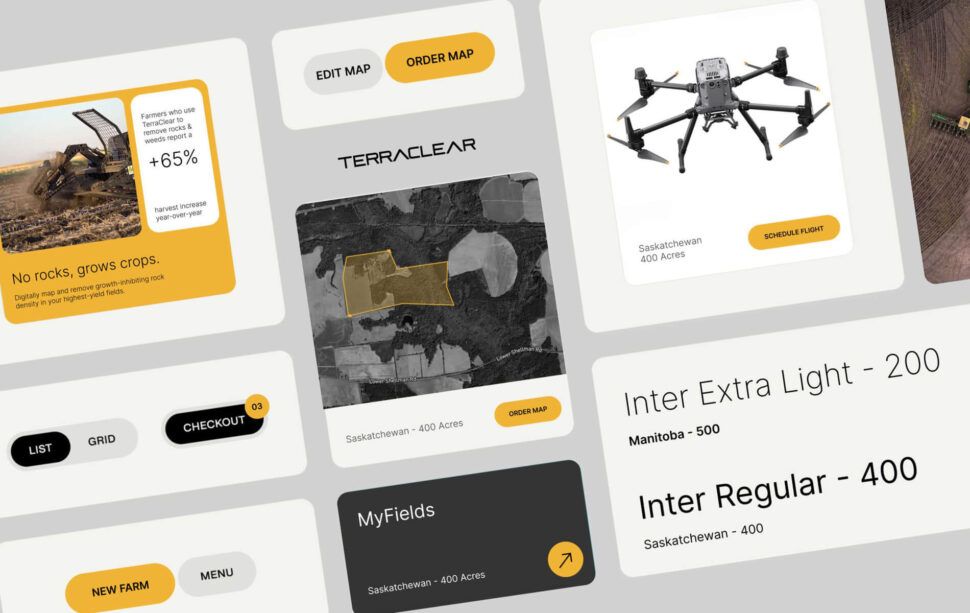
- Use a central repository of reusable components like buttons, forms, and cards.
- Define typography and color palettes early.
- Stick to consistent artboard sizes: 393 x 852 pixels for mobile, 834 x 1,194 pixels for 11″ tablets, and 1,440 x 1,024 pixels for desktops.
- Apply the Rule of 8 for spacing, ensuring padding, margins, and grids follow multiples of 8 pixels for better alignment.
Add Accessibility Checks Early
Incorporate accessibility standards, such as ADA guidelines, during the prototype stage rather than after development begins. This ensures inclusivity from the start and avoids costly adjustments later. Check for proper color contrast, keyboard navigation, screen reader compatibility, and touch target sizes while refining the prototype. Early attention to accessibility aligns with the broader push for ethical design practices.
Consistency in controls also enhances usability. As UXPin points out:
“If a user knows how to use the functionality in one section, they know how to use it in all sections (as long as it’s consistent)”.
Tools for Wireframe to Prototype Transition
Choosing the right tool can make your design workflow smoother and more efficient. The ideal platforms allow you to move effortlessly from rough sketches to interactive prototypes. Options like Figma, Adobe XD, and Balsamiq cater to different needs, whether you’re focusing on collaborative design, creating high-fidelity prototypes, or validating basic structures. These tools also integrate well with user-focused design methods discussed earlier.
Figma: Collaborative Prototyping
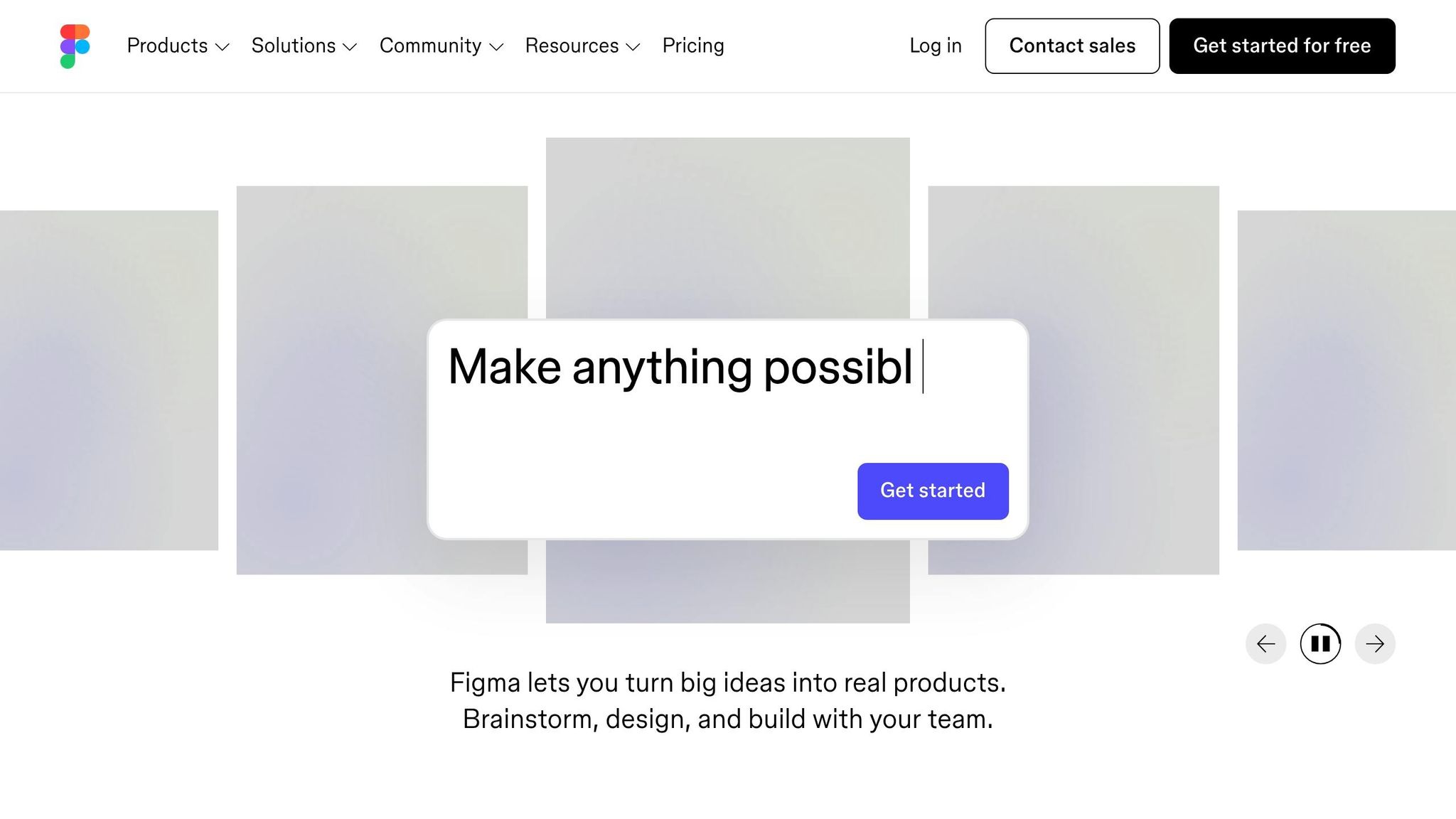
Figma combines wireframing and prototyping into a single platform. With the keyboard shortcut Shift + E, users can easily switch between “Design” and “Prototype” modes, enabling fast iterations without needing multiple tools. Its Smart Animate feature simplifies transitions between frames, supporting effects like parallax scrolling and touch gestures.
One of Figma’s standout features is its real-time collaboration, allowing up to 200 people to work on the same file at once. Andrew Matthews, Design Director at YETI, highlights its impact:
“When the developers see it, it feels real. They know exactly how to begin developing. Those prototyping tools are just elite”.
Figma also includes Dev Mode, which provides developers with specs and code snippets directly from the design file.
Pricing for Figma starts at $16 per editor per month when billed annually, with a free version available for smaller teams. For larger organizations managing complex design systems, the Enterprise plan costs about $90 per editor per month.
Adobe XD: Streamlined Workflows
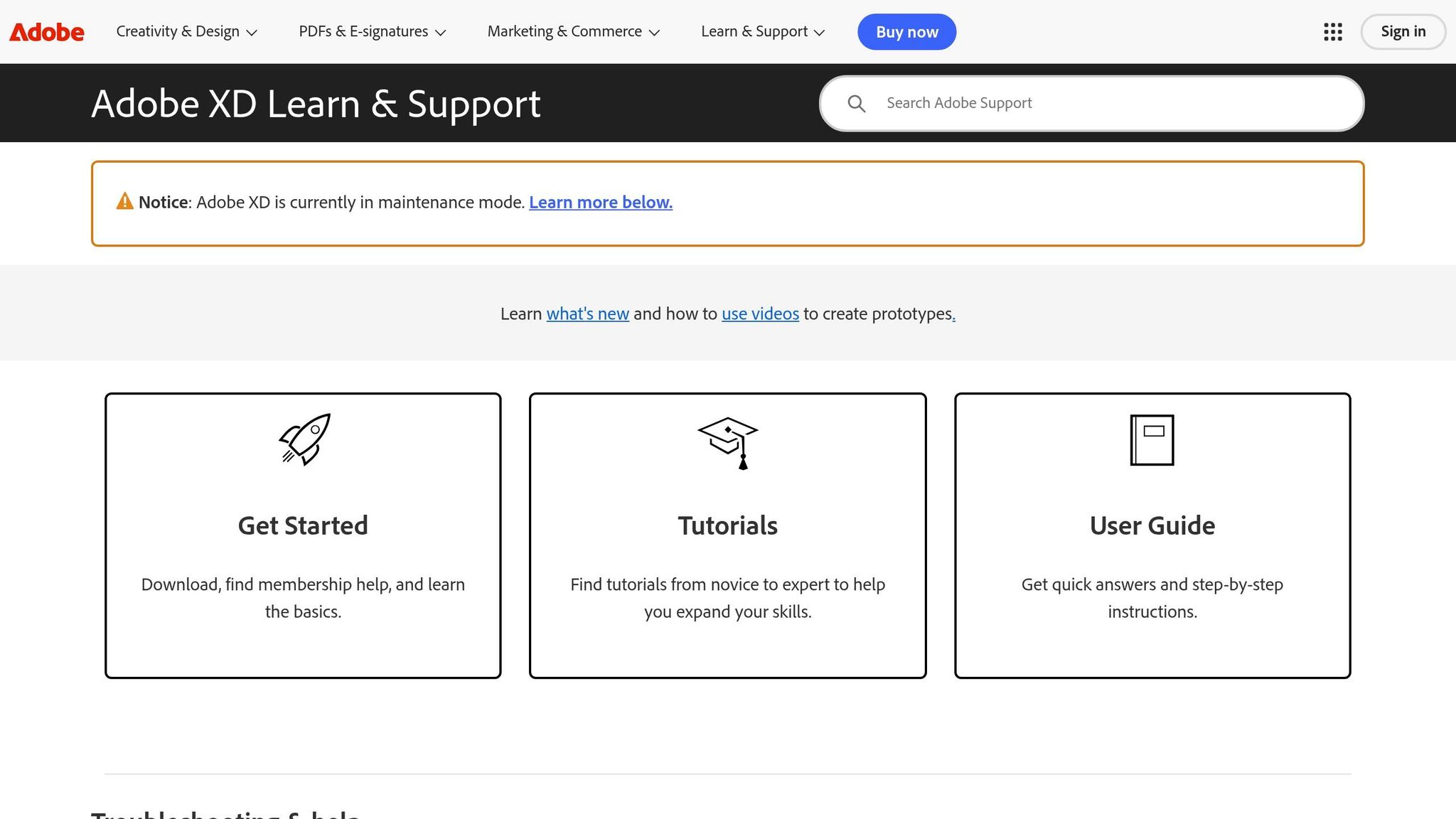
Adobe XD offers a dedicated Prototype mode where designers can link artboards to define interactions. It supports various triggers such as tap, drag, hover, and even voice commands, making it adaptable for different interaction styles.
The Repeat Grid feature speeds up layout creation by letting designers duplicate elements and populate them with actual text or images to simulate real-world usage. Additionally, Component States allow for hover or pressed effects within a single component, reducing the need for multiple artboards.
Adobe XD is now bundled with Creative Cloud All Apps, starting at $35.99 per month for the first year, or $59.99 per month at the standard rate. It also offers preset sharing links tailored for Design Review, Development, and User Testing workflows.
For teams that need quick, low-fidelity wireframing, Balsamiq offers a simpler alternative.
Balsamiq: Quick Low-Fidelity Wireframing
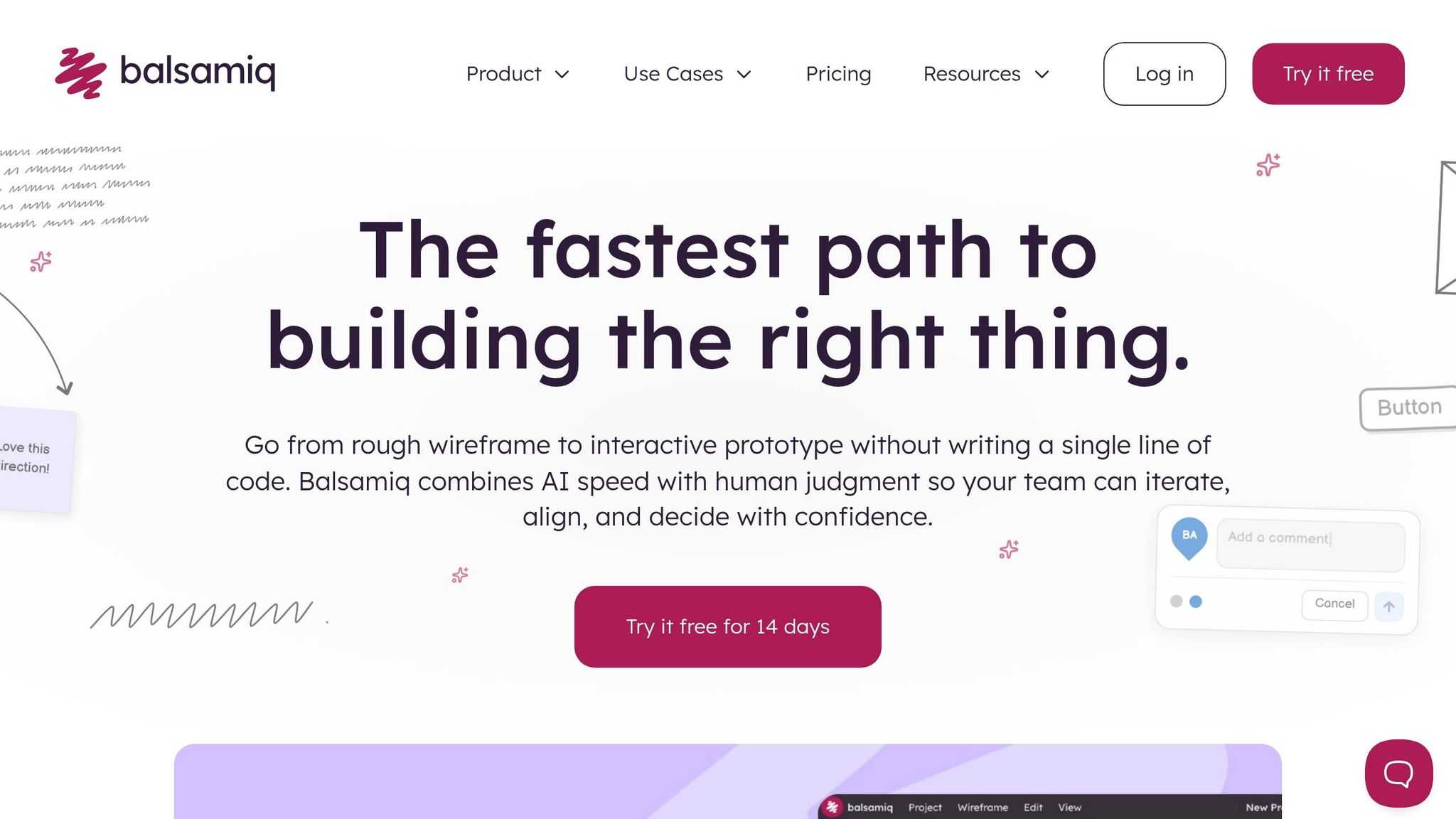
Balsamiq focuses on structural validation with its sketch-like design style, keeping attention on functionality rather than visual details like colors or fonts. Its Balsamiq AI feature can generate editable wireframes from text prompts or sketches, speeding up the ideation process.
The platform allows teams to create clickable prototypes directly from low-fidelity wireframes, enabling early testing of user flows. Its MCP (Model Context Protocol) server integrates wireframe projects with AI coding tools like Claude, ChatGPT, and VS Code, reducing the need to explain design context repeatedly to developers.
Ming Hon notes that Balsamiq is ideal for early-stage ideation and discussions, while tools like Figma are better suited for detailed prototyping. Pricing starts at $12 per month for 1-2 projects, with unlimited users included in every plan – a big plus for teams with varying levels of design involvement.
Selecting the right tool ensures a smooth transition from wireframes to interactive prototypes, helping maintain UX consistency throughout the design process.
Visual Soldiers: UX Design Services
Visual Soldiers kicks off every project with a focused two-week UX phase. This step is all about defining user flows, objectives, and strategies. The goal? To ensure prototypes aren’t just visually pleasing but are also crafted with real user needs and business goals in mind. With over 200 projects completed in an average of 12 weeks and a stellar 5.0 client rating, their approach speaks for itself. By leaning on tried-and-true UX principles, they create seamless, user-centered transitions.
Design Solutions for Every Stage
Their process covers everything from research and discovery to wireframing and interactive prototypes. They also develop style guidelines to keep branding consistent and streamline onboarding. Beyond aesthetics, their design systems ensure functionality and visuals stay aligned across websites, apps, and other digital platforms. Accessibility is a priority from the start – ADA compliance is baked into their process, helping businesses avoid losing up to 50% of potential users due to usability issues.
Scalable Prototyping Services
Visual Soldiers offers two flexible options: Design Subscriptions for ongoing tasks and Full Scope Projects for complete transformations. To date, they’ve delivered over 30,000 tasks under these models. Joel Darby, COO of GoValidate, captures the value of their approach:

Visual Soldiers was a great partner for our design needs. Their fractional model gave us on demand access to a talented team without the overhead of hiring in house. The work was thoughtful, strategic, and always aligned with our goals. Jeff, Madison the entire team were creative, very responsive and made the experience truly collaborative. Would highly recommend!
COO at GoValidate
Their modular WordPress platform streamlines the design-to-code process by focusing on essential features and performing real-time accessibility checks throughout development.
Conclusion
Transitioning from wireframe to prototype is a crucial step that bridges planning and execution, ensuring usability is validated before development kicks off. Wireframes act as the structural foundation, while prototypes add interactive elements, allowing users to engage with the design. This method helps identify potential usability issues early – when fixes are more manageable – and can reduce project revision cycles by up to 40%.
A user-centered approach is key to creating designs that solve real problems rather than relying on assumptions. As Tom Lowry, Director of Advocacy at Figma, explains:
“The wireframe gives people an early window into the project, before you’ve invested a lot of time polishing something”.
By testing early, you can ensure your prototype is both visually appealing and functional.
Using a standardized design system – complete with consistent typography, grid layouts, and component libraries – ensures a cohesive user experience that aligns with your brand. Swapping placeholder text for actual content as soon as possible helps identify layout issues early. This gradual process, moving from low-fidelity sketches to high-fidelity interactive models, should focus first on critical user flows like login or checkout.
Keeping UX consistent requires collaboration among designers, developers, and stakeholders from the outset. Clear communication and expert support prevent costly misalignments. Tools and systems, such as those offered by Visual Soldiers, help ensure every design decision meets both user needs and technical capabilities. Whether you’re building your first prototype or refining an existing product, having the right resources and alignment can make all the difference.
The journey from wireframe to prototype is one of iteration and testing, refining your digital experience with each step forward.
FAQs
When it’s time to demonstrate how your design will actually function and interact with users, transitioning from wireframes to a prototype is the next step. Wireframes are great for mapping out the structure and layout, but prototypes take it further by adding interactivity. They allow stakeholders and users to engage with a more lifelike version of the product, making it easier to collect feedback and make necessary adjustments to improve the design.
High-fidelity prototypes work best for usability testing, especially as you approach a product launch. They simulate the final product closely, offering realistic interactions that help gather meaningful feedback to fine-tune the design and overall user experience.
To keep the user experience consistent during fast-paced updates, rely on design systems and shared components. These tools ensure your UI elements remain uniform and reliable, making it easier for users to find their way around. Pair this with wireframes and prototypes to test and refine changes early in the process. This approach helps you make updates quickly while keeping the user experience smooth and cohesive.

Visual Soldiers
Visual Soldiers is an Atlanta-based creative studio specializing in branding, design & digital experiences.