February 2, 2026
How Collaboration Tools Improve Data-Driven Design
-
Visual Soldiers
- Design
- minute read

How Collaboration Tools Improve Data-Driven Design
Data-driven design thrives when collaboration tools streamline workflows and integrate insights. Teams today rely on platforms like Figma, Miro, Slack, Asana, and Airtable to work together in real time, centralize feedback, and connect design decisions to user data. These tools simplify communication, reduce inefficiencies, and help teams align around shared goals. Here’s a quick breakdown:
- Figma: Real-time editing, data integration, and smooth handoffs for design-heavy projects.
- Miro: Ideal for brainstorming with its infinite canvas and live integration of metrics.
- Slack: Centralizes communication with over 2,600 integrations for seamless data sharing.
- Asana: Keeps tasks, timelines, and progress visible while linking to key data sources.
- Airtable: Combines spreadsheet simplicity with database power for organizing complex workflows.
Each tool has strengths tailored to specific stages of design. Teams that combine these platforms see improved project speed, reduced miscommunication, and better alignment with user needs.
Bridging the Gap: Designing with Data | Figma
1. Figma
Real-Time Collaboration
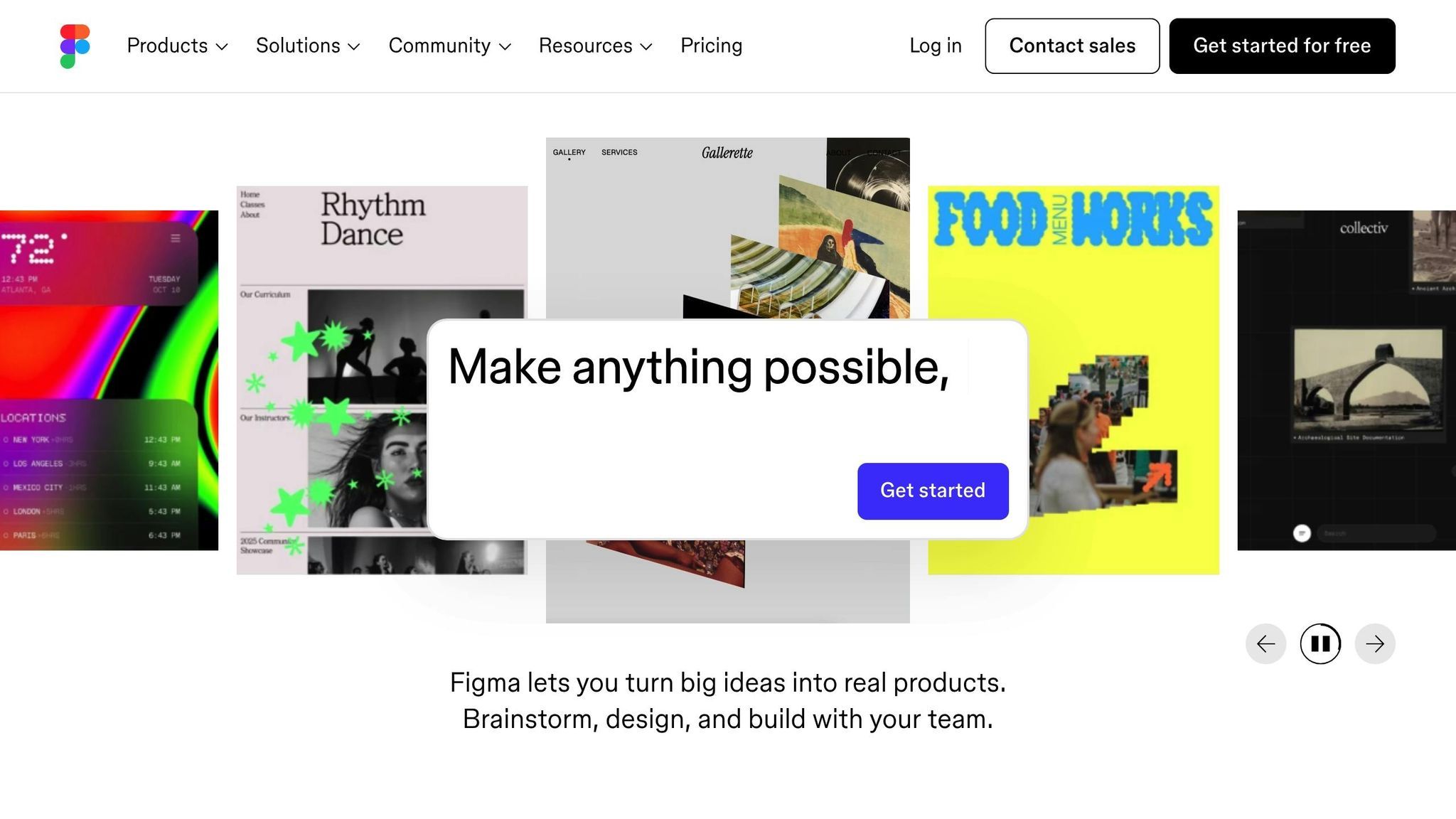
Figma makes teamwork effortless, especially for data-driven projects. It allows multiple team members – whether designers, data scientists, or product managers – to work on the same file at the same time. This is a game-changer for fast-paced design sprints. Tools like Spotlight let one person guide the team through a file during presentations, while Cursor Chat enables quick discussions right on the canvas.
Take October 2023 as an example: Figma’s Data Science and User Research teams, led by Data Scientist Caitlin Hudon and Researcher Jennifer Sanders, used this collaborative setup to refine the platform’s notification system. They kicked things off with a brainstorm in FigJam, where they color-coded strategic questions to distinguish between quantitative and qualitative needs. Their analysis revealed that 80% of email notifications were opened by users. This insight led to a permanent update, expanding notifications to all file editors, not just file owners.
These collaborative features make it easier to integrate data into design projects without missing a beat.
Data Integration
Figma excels at connecting raw data to actionable insights. As Caitlin Hudon puts it:
Quantitative data shows what happens; qualitative insights reveal why.
With Figma, teams can bring in tools like Maze and UserTesting to pull usability metrics and heat maps directly into their projects. Analytics platforms like Mixpanel and Amplitude also integrate seamlessly with FigJam, embedding live data reports into workflows. This ensures that design decisions are based on real user behavior, not just assumptions.
By bridging these gaps, Figma keeps teams focused on creating user-centered designs.
Workflow Optimization
Figma also smooths the path from design to development. Dev Mode offers developers a dedicated space to access specs, annotations, and code snippets without interfering with the design process. This unified approach reduces friction during handoffs, especially for data-heavy designs. Features like branching and merging let teams test new data visualizations and incorporate approved changes efficiently. Meanwhile, reusable components and variables within design systems ensure a consistent look and feel across projects. Whether it’s a chart, graph, or dashboard, everything stays on-brand.
As Diana Mounter, Head of Design at Figma, explains: Nearly everything that designers and developers need is available in Figma.
2. Miro
Real-Time Collaboration
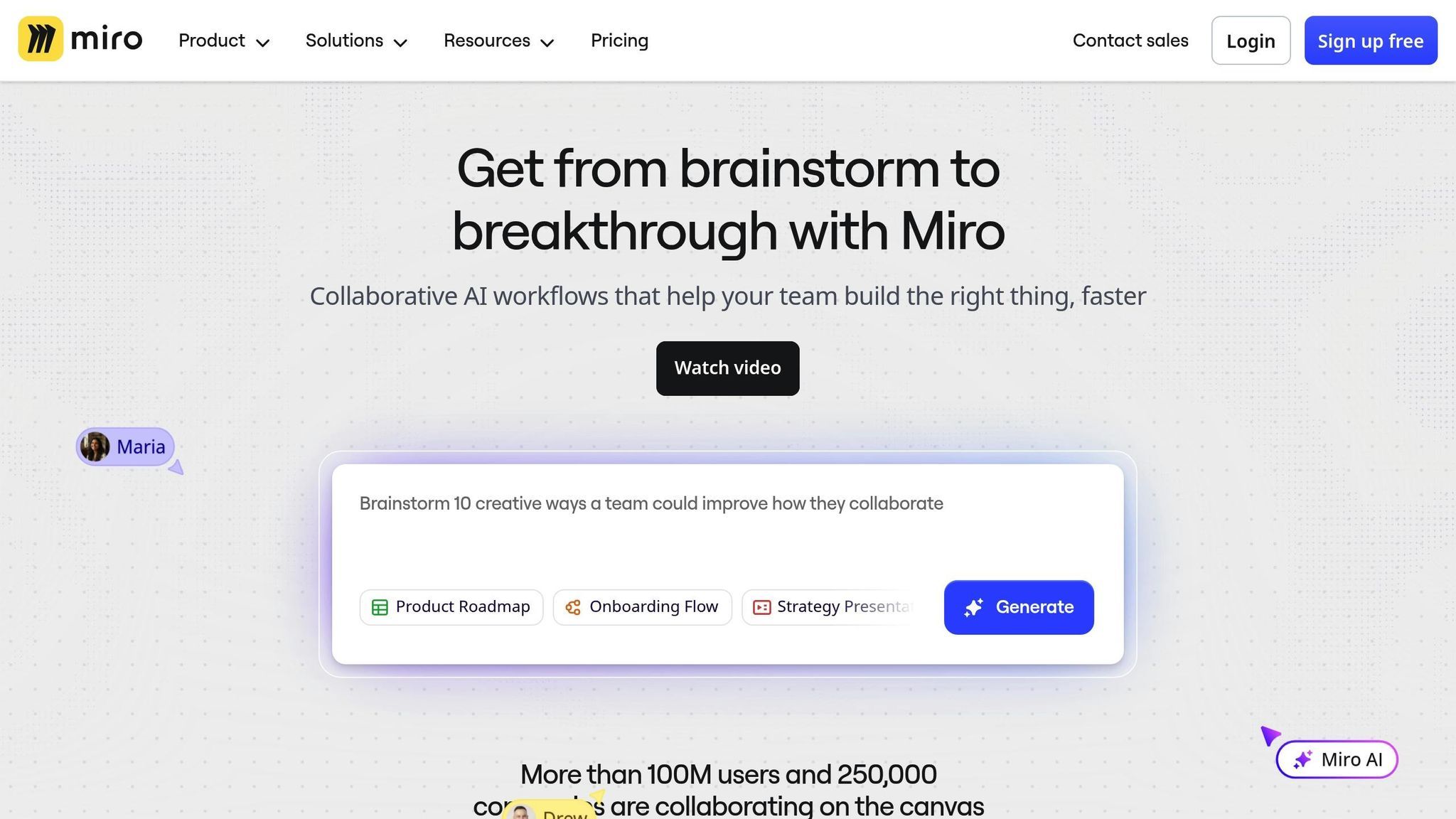
Miro’s infinite canvas provides a shared space where teams can collaborate seamlessly, no matter where they are. Multiple team members can work on the same board at the same time, using tools like sticky notes, diagrams, and interactive widgets such as alignment scales and polls to brainstorm and refine ideas. Built-in video call capabilities ensure discussions stay dynamic, while features like Talktracks allow team members to record video walkthroughs of their work – perfect for colleagues who miss live sessions.
PepsiCo provides a standout example of Miro’s impact. In 2025, Caroline de Diego, Senior Manager of Global Design & Marketing Innovation, shared that her team reduced their timeline from project brief to market launch to just 10 months – a process that usually takes 3 years at the company. This kind of real-time collaboration fosters a cohesive environment for integrating diverse data sources.
Data Integration
When it comes to data-driven design, having live metrics at your fingertips is critical. Miro connects with more than 250 apps, enabling teams to display live dashboards and automatically update task statuses. With integrations like Jira, Asana, and Azure DevOps, its “Live Cards” feature ensures tasks stay updated without the need to toggle between platforms. Plus, links from tools like Amplitude can be embedded directly into the canvas, turning it into a live dashboard where product metrics sit alongside design work.
Miro also simplifies how teams manage and centralize data. For example, Munich Re‘s Automation Solutions team, led by Product Manager Philip McCusker, replaced a scattered system of over 20 documents with a single, customizable Miro research hub. This hub visually mapped the entire journey – from initial research to product launch – making executive reviews more streamlined and effective. Beyond simply connecting data, Miro’s tools help teams work more efficiently.
Workflow Optimization
Miro’s AI-powered features take the hassle out of repetitive tasks, offering tools that automatically group sticky notes by theme, summarize board updates, and even turn brainstormed ideas into clickable prototypes. Victoria Lamppa, Design Lead at Scandinavian Airlines, highlighted the platform’s efficiency when she said:
I did a competitive benchmark in 30 minutes with Miro Prototyping, which would have taken me 2 hours.
Teams using Miro report being 3.6× faster to market and cutting their planning processes by 50%. The platform ensures that context remains intact as projects move through different stages, reducing the risk of losing information when switching tools. For instance, Wipro Digital’s UX Architect Paul Harrison introduced “Project Walls” in Miro, which aligned cross-functional teams by creating a single source of truth for customer journeys and pain points. This approach eliminated communication silos and kept everyone on the same page.
3. Slack
Real-Time Collaboration
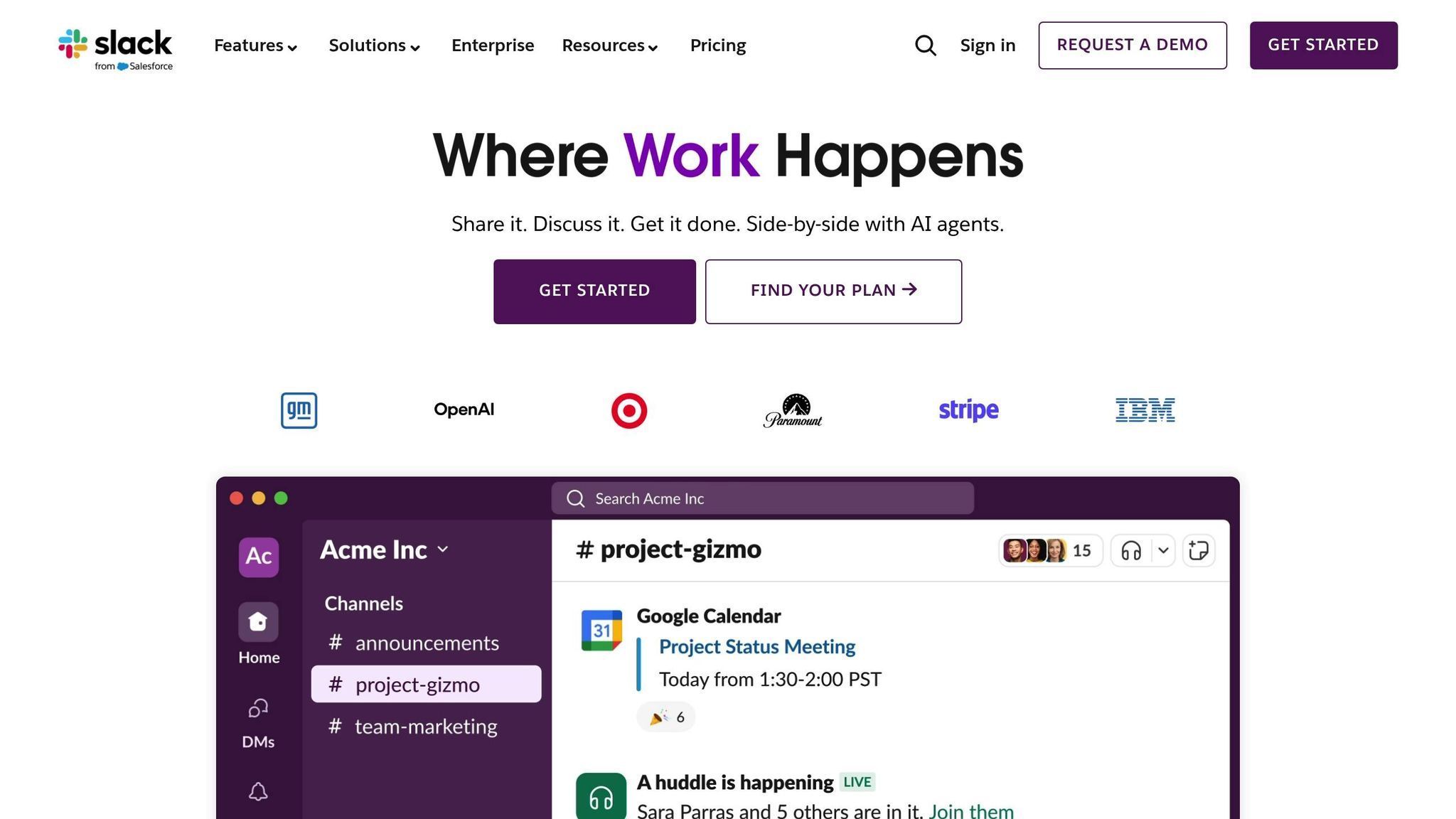
Slack, much like Figma and Miro, strengthens data-driven design by merging communication with actionable insights.
It simplifies team interaction through dedicated channels tailored to specific projects, clients, or themes. This setup ensures all relevant files, data, and conversations are stored in one easily searchable location. For quick team alignment, Slack’s Huddles offer instant audio or video calls.
For creative agencies collaborating with external partners, Slack Connect provides a secure way to communicate with clients and vendors via shared channels. Mark Scrivner, Founder and CEO of ECOS, highlights the importance of collaboration:
Projects can take three to four times as long as they should when sales and marketing teams aren't working together.
Slack users report a 23% drop in meetings and a 32% reduction in email usage, leaving more time for actual design work. This organized communication framework supports seamless integration of data.
Data Integration
With over 2,600 integrations, Slack serves as a central hub where tools like Figma, Adobe Creative Cloud, and Miro feed data directly into project channels. This setup allows teams to receive real-time notifications and feedback without constantly switching between apps, improving internal response times by 21%. Engineering teams have also seen a 24% boost in successful feature launches and a 22% reduction in the time needed to identify bugs.
A Forrester Consulting study revealed that organizations using Slack as their work operating system achieved a 325% ROI over three years. Additionally, Slack’s AI-powered tools summarize lengthy discussions in channels and threads, helping designers catch up without wading through every message.
Workflow Optimization
Slack’s Workflow Builder automates repetitive tasks like design approvals, bug reporting, and daily stand-up prompts, cutting down on administrative work. Slack Canvas acts as a digital workspace where teams can organize project timelines and share progress directly within the platform. These tools collectively enhance productivity by up to 25%.
With 38 million active users, Slack scales effortlessly from small teams to enterprise-level operations. Features like standardized channel names (e.g., #proj-design-system) keep information organized. Moreover, setting clear communication norms – such as quiet hours and notification boundaries – helps prevent burnout while maintaining the perks of real-time collaboration.
4. Asana
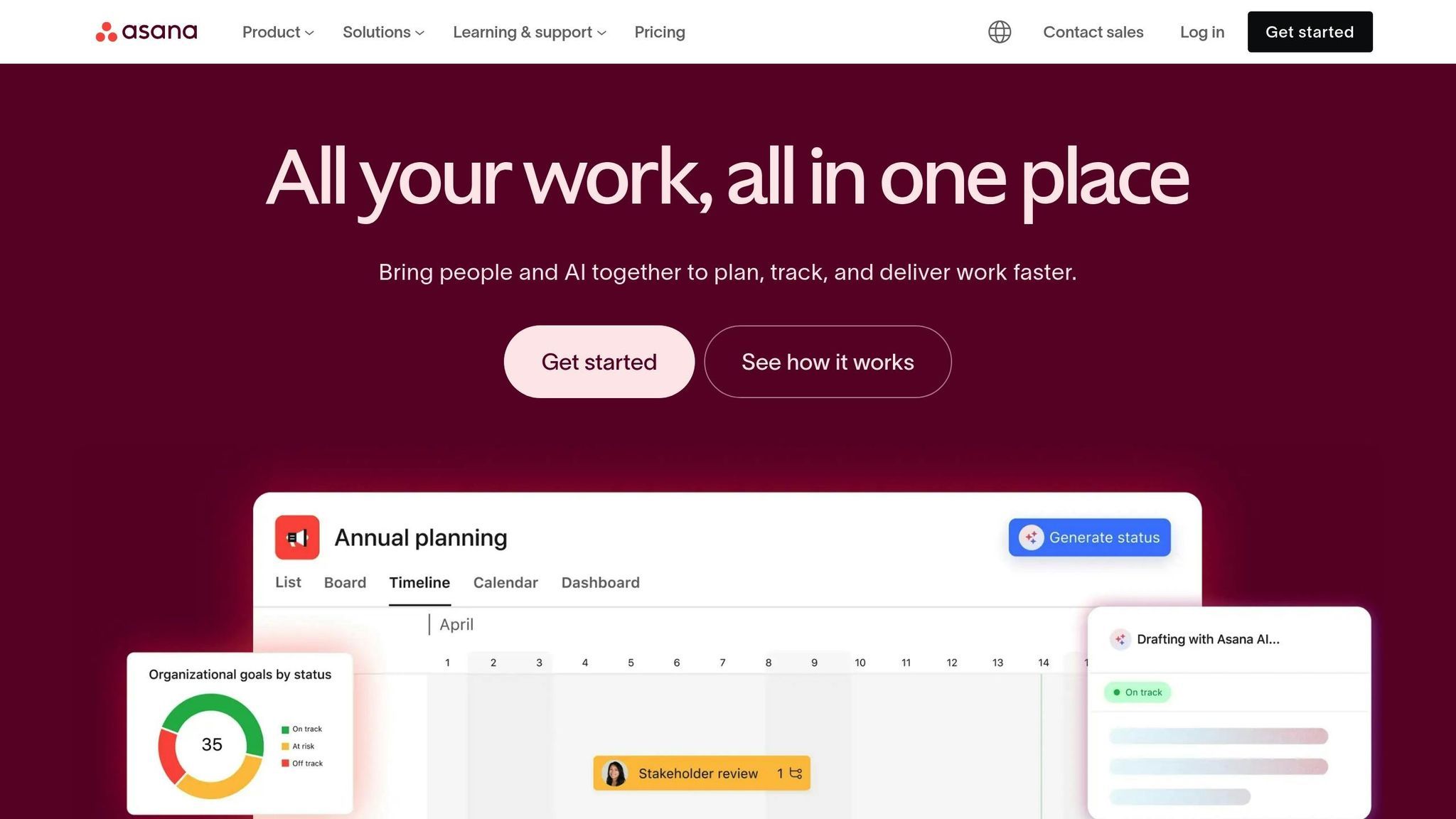
Asana brings more than just task management to the table – it connects key data streams and supports design teams by blending organization with actionable insights.
Real-Time Collaboration
Asana keeps design teams on the same page by centralizing feedback and discussions directly within tasks. Designers can attach files, receive inline comments, and get approvals all in one place. The Figma widget integration takes things a step further, embedding live design files into tasks. This means team members can see the latest updates without needing to jump between apps. Features like real-time dashboards and Portfolios provide instant visibility into project progress, ownership, and status, saving time spent in meetings.
Maggie Green, Project Manager at 1A Auto, highlights how Asana simplifies complex projects:
Major projects have a ton of moving parts, people involved, and tasks to complete. Asana helps us plan everything out, track all the work, and stay up to date with everyone's progress.
By combining real-time feedback with seamless integrations, Asana ensures teams stay informed and productive.
Data Integration
With over 260 app integrations, Asana connects design workflows with tools like Tableau, Power BI, and Looker, giving users direct access to campaign insights without leaving the platform. Its Work Graph® data model sets it apart, enabling one-to-many relationships between tasks, information, and people. This allows a single design task to link to multiple projects and organizational goals. Universal reporting further enhances this by consolidating data into executive dashboards, offering a clear view of KPIs and project health in real time.
Workflow Optimization
Asana simplifies processes with pre-built templates for creative requests, usability testing plans, and design projects, cutting down on setup time and ensuring data consistency. On average, workers spend about 60% of their time on administrative tasks like chasing updates or searching for documents. Features like dependency management and Timeline view help teams map out tasks, identify bottlenecks, and maintain smooth workflows. Automated workflows can even trigger tasks based on data – such as flagging a customer at risk of churning or assigning follow-ups when a new subscriber signs up.
Michael Gamber, Director of Volunteer Relations & Training at New York Cares, explains how this shift changes meeting dynamics:
Your time together should be spent securing resources, having active discussions, and removing roadblocks from your projects, not, 'Here's what I did and why.'
Scalability
Asana supports teams in 190 countries, making it versatile enough for small studios and large enterprises alike. With only 26% of workers understanding how their efforts align with broader company goals, Asana’s Portfolios and Goals features bridge this gap, connecting individual tasks to organizational objectives. Workers switch between apps roughly 25 times a day, and organizations juggle an average of 323 SaaS tools. Asana reduces this app fatigue by serving as a centralized hub.
Katy Shoemaker, Grant Manager at United Way of Salt Lake, shares how Asana has reshaped collaboration: With Asana, our whole organization is so collaborative. It’s broken down silos between teams and projects, helping people realize where they fit into the larger scope.

5. Airtable
Airtable is a versatile tool that combines the simplicity of a spreadsheet with the power of a database, helping design teams organize data more effectively. It’s trusted by over 500,000 organizations, including 80% of the Fortune 100, to manage workflows efficiently. By centralizing product feedback, marketing data, and creative assets, Airtable eliminates scattered information, creating a single, reliable source for collaboration.
Real-Time Collaboration
Airtable enables teams to build custom apps using shared data sources, with updates syncing instantly across all users. Its Interface Designer simplifies access to complex databases by presenting stakeholders with user-friendly layouts, such as a Record Review for approvals or a Dashboard for tracking metrics. To keep everything secure, Airtable offers four permission levels: Creators handle the structure, Editors manage tasks, Commenters provide input, and Read-only users observe. Features like @mentions in record comments make flagging issues straightforward, while the activity feed captures every change made to a record. For added protection, locked views and field-level permissions prevent accidental edits in critical workflows.
Data Integration
Airtable seamlessly integrates with business intelligence (BI) tools, streamlining how teams access and analyze data. By connecting Airtable to platforms like Looker Studio or Power BI, teams can cut data preparation time by up to 90% and reduce manual reporting by 75%. Ryan Booth, COO at Chacka Marketing, highlights its value: “It’s extremely helpful to have all our data in a centralized place”. The platform also supports native integrations with Slack and Google Drive on its free plan. Upgrading to paid tiers unlocks additional tools like Miro, Jira, and Salesforce, along with advanced syncing capabilities. Linked records further enhance efficiency by connecting related tables – like pairing design assets with campaigns – so teams can access full context without switching between tools.
Workflow Optimization
Airtable’s AI tools simplify workflows by summarizing data, extracting insights, and categorizing information automatically. Formula fields make tasks like setting review deadlines easier by calculating key dates, ensuring consistency while reducing manual input. Filtered views keep data organized within a single table, and personal views allow team members to focus only on their assigned tasks. Tomer Sharon from WeWork notes that combining diverse data sources within Airtable fosters better alignment and understanding among teams.
Scalability
Whether you’re managing small tasks or large-scale projects, Airtable adapts to your needs through its robust Enterprise-grade API. Companies using integrated workflows report doubling or tripling their analytical efficiency, while automated connectors ensure nearly 99% dataset accuracy. By linking detailed tasks to overarching goals, Airtable proves invaluable for both small studios and large enterprises alike.
In today’s world of data-focused design, agencies like Visual Soldiers are reshaping how creative teams collaborate. Based in Atlanta, this agency specializes in branding, web, and app design, all while using structured workflows to streamline their processes. By relying on a shared data environment, they ensure that every team member and stakeholder has access to the most up-to-date design files. This eliminates version control headaches and reduces errors across projects, creating a smoother path for collaboration.
Real-Time Collaboration
Visual Soldiers thrives on co-creation, where teams work together in real-time on shared files. This approach not only sparks creativity but also boosts productivity. They take teamwork a step further by turning aspects like communication frequency, task completion, and feedback response times into measurable data points. This is especially helpful for clients with team members spread across different locations, as it ensures everyone operates from a single, unified source of truth [61, 63].
Streamlined Workflows
To avoid the endless back-and-forth of revision cycles, Visual Soldiers employs a centralized feedback system that keeps projects moving forward. Their workflow strategy incorporates automated feedback management, making approval processes faster and more efficient. On top of that, their custom development services – designed with ADA compliance in mind – ensure their data-driven designs integrate seamlessly across all digital platforms.
Built for Growth
Whether they’re tackling a small branding project or a large-scale web application, Visual Soldiers uses standardized processes to handle increasing data volumes with ease. Their cloud-based collaboration tools allow them to adapt quickly to stakeholder feedback and changing project needs, making it possible to scale their efforts across different team sizes and levels of complexity. Their tiered service options highlight this adaptability, offering everything from basic design packages to all-encompassing solutions that combine custom development with advanced UX/UI design.

Advantages and Disadvantages
When it comes to data-driven design, each collaboration tool brings its own set of strengths and limitations. Here’s a closer look at how these tools balance efficiency with potential challenges:
Figma is a standout for real-time collaboration, enabling seamless co-creation and developer handoffs through its robust design systems. However, long work sessions on the platform can sometimes lead to user fatigue.
Miro shines with its infinite canvas, making it perfect for brainstorming and early-stage ideation. It also offers helpful facilitation tools like timers and voting. That said, some users may find its interface takes time to get used to [65,66,72].
Slack excels as a communication tool, effectively integrating data through its extensive API. But in larger workspaces, notification overload and occasional
Asana is designed to streamline workflows with features like task dependencies and visual timelines. It’s highly rated – scoring 4.4/5 on G2 – but navigating the platform can get tricky for larger projects with many nested tasks.
Airtable offers exceptional flexibility with its spreadsheet-style database and custom-field management. However, it falls short in providing native publishing options and advanced analytics.
Visual Soldiers combines real-time collaboration with centralized feedback through cloud-based tools that scale well across projects of various sizes. However, its effectiveness depends heavily on maintaining strict adherence to established processes.
To summarize the key features and limitations:
| Tool | Real-Time Collaboration | Data Integration | Workflow Optimization | Key Limitation |
|---|---|---|---|---|
| Figma | High (simultaneous editing) | Strong (design systems) | High | Fatigue during extended sessions |
| Miro | High (whiteboarding) | Moderate | Good | Interface learning curve |
| Slack | High (huddles/threads) | Excellent (extensive API) | Moderate | Notification overload |
| Asana | Moderate (task updates) | Strong (CRM/calendar sync) | High | Complex navigation in large projects |
| Airtable | Moderate (database sharing) | Excellent (custom fields) | High | Limited publishing tools |
| Visual Soldiers | High (shared files) | Strong (unified data source) | High (automated feedback) | Requires strict process adherence |
Each tool has its niche, so the best choice often depends on the specific needs of your team and project.
Conclusion
Collaboration tools have reshaped how design teams interact with data. Platforms like Figma, Miro, Slack, Asana, and Airtable don’t just streamline workflows – they foster what researchers call a “rowing team” approach. In this model, designers, data scientists, and developers work side by side, eliminating the inefficiencies of passing tasks between silos. The result? Teams see performance gains of 10% to 30% compared to traditional methods.
“You have to have warp and weft to make things stand. Quantitative data tells us the what… but those insights are more helpful when we start to understand why users are doing those things.” – Caitlin Hudon, Data Scientist, Figma
Each tool plays a specific role in this collaborative ecosystem. Figma excels in real-time design collaboration, Miro sparks ideation, Slack enhances communication, Asana manages complex dependencies, and Airtable provides adaptable database solutions. Matching the right tool to the task is key to unlocking a team’s full potential.
However, tools alone aren’t enough. Research indicates that designers spend 73.12% of their collaborative time on process-driven tasks – like organizing and negotiating – rather than actual design work. This is where specialized design services can make a difference. Agencies like Visual Soldiers help teams adopt “single source of truth” workflows, a strategy that 85% of companies are projected to embrace by 2025. By establishing clear processes and rituals, these services reduce procedural burdens, enabling designers to focus on their core strength: creative problem-solving.
The most impactful results come from integrating data and design from the very beginning. With the right mix of collaboration tools and expert guidance, data transforms into meaningful user experiences that drive measurable business outcomes.
FAQs
Collaboration tools make it easier for teams to work together in real time, no matter where they are. With these tools, team members can co-create, share feedback instantly, and access a centralized source of information. This not only reduces mistakes but also speeds up decision-making by keeping everyone on the same page.
These tools also play a key role in supporting iterative workflows, such as rapid prototyping and testing. By integrating data insights into the process, teams can make quicker improvements, create designs that focus on user needs, and achieve more inventive results.
Figma has carved a niche in design collaboration by enabling team members to work on a project together in real time. This means everyone sees updates instantly, making feedback immediate and the design process smoother. Plus, its user-friendly interface allows clear role assignments, keeping everyone on the same page and preventing any mix-ups.
What really sets Figma apart are its built-in communication features. Tools like comments and notifications keep discussions focused within the platform, cutting down on endless email threads and speeding up revisions. For teams focused on creating designs backed by data, Figma is an essential tool that boosts efficiency and keeps workflows running smoothly.
Collaboration tools like Slack and Asana have transformed the way teams communicate and manage their work. With features like real-time messaging, structured task management, and effortless information sharing, these platforms help cut down on misunderstandings, boost accountability, and ensure everyone stays aligned with project goals.
Take Slack, for example. Its channel-based structure lets teams focus on specific topics or projects, keeping conversations organized and accessible. On the other hand, Asana simplifies task delegation, deadline setting, and progress tracking, making it easy to keep projects on course. Many of these tools also integrate with other platforms and include automation options to handle repetitive tasks, saving both time and effort. By improving communication and coordination, these tools enable data-driven design teams to efficiently transform insights into meaningful design solutions.

Visual Soldiers
Visual Soldiers is an Atlanta-based creative studio specializing in branding, design & digital experiences.