
Top 7 Tools for Mobile A/B Testing
Quick Summary
Mobile A/B testing plays a crucial role in enhancing app performance and user experience, especially given the high mobile cart abandonment rates of 85.65% and the significant financial impact, with businesses losing over $1.1 trillion annually due to poor app experiences. By conducting A/B testing, companies can identify and address friction points, optimizing both the user interface and backend systems. One tool to consider for mobile A/B testing is VWO Mobile App Testing, which offers lightweight SDKs ranging from 200KB to 285KB, Bayesian-powered statistics, session recordings, heatmaps, and a 30-day free trial. It also provides enterprise plans for larger scale operations. These features help businesses fine-tune their apps to improve user engagement and reduce abandonment rates.
Mobile A/B testing is critical for improving app performance and user experience. With mobile cart abandonment rates at 85.65% and businesses losing over $1.1 trillion annually due to poor app experiences, testing helps identify friction points and optimize both UI and backend systems. Here are seven tools to consider for mobile A/B testing:
- VWO Mobile App Testing: Lightweight SDKs (200KB–285KB), Bayesian-powered stats, session recordings, heatmaps, and a 30-day free trial. Enterprise plans start at $1,595/month.
- Optimizely: Feature flags, in-memory bucketing, and integrations with Snowflake and BigQuery. Free plan available, with paid plans starting at $36,000 annually.
- AB Tasty: Combines testing, personalization, and feature rollouts. Offers sequential testing and KPI-triggered rollbacks. Pricing is quote-based.
- Firebase A/B Testing: Free tool integrated with Firebase, supports up to 300 experiments per project, and uses frequentist inference. BigQuery exports require the Blaze plan.
- Apptimize: No-code visual editor for UI changes, supports dynamic variables and server-side testing. Free plan available; premium tiers are custom-priced.
- Amplitude Feature Experimentation: Combines analytics and testing, with feature flags and dynamic UI updates. Free tier available; Plus plan starts at $49/month.
- Taplytics: No-code editor and SDK for advanced experiments. Pro plan starts at $500/month, with free trials available.
Quick Comparison
| Tool | Key Features | Free Plan/Trial | Starting Price |
|---|---|---|---|
| VWO | Bayesian stats, heatmaps, session recordings | 30-day free trial | $1,595/month |
| Optimizely | Feature flags, Snowflake integration | Free plan available | $36,000/year |
| AB Tasty | Personalization, KPI rollbacks | Free trial | Quote-based |
| Firebase | Integrated with Firebase, free for most | Free plan available | Blaze plan for BigQuery exports |
| Apptimize | Visual editor, server-side testing | Free plan, 30-day trial | Custom pricing |
| Amplitude | Combines analytics and testing | Free tier available | $49/month |
| Taplytics | No-code editor, SDKs | Free trial | $500/month |
Each tool offers unique strengths depending on your team’s needs, app size, and budget. Choose based on your testing goals, whether it’s quick UI tweaks, backend optimization, or advanced analytics integration.
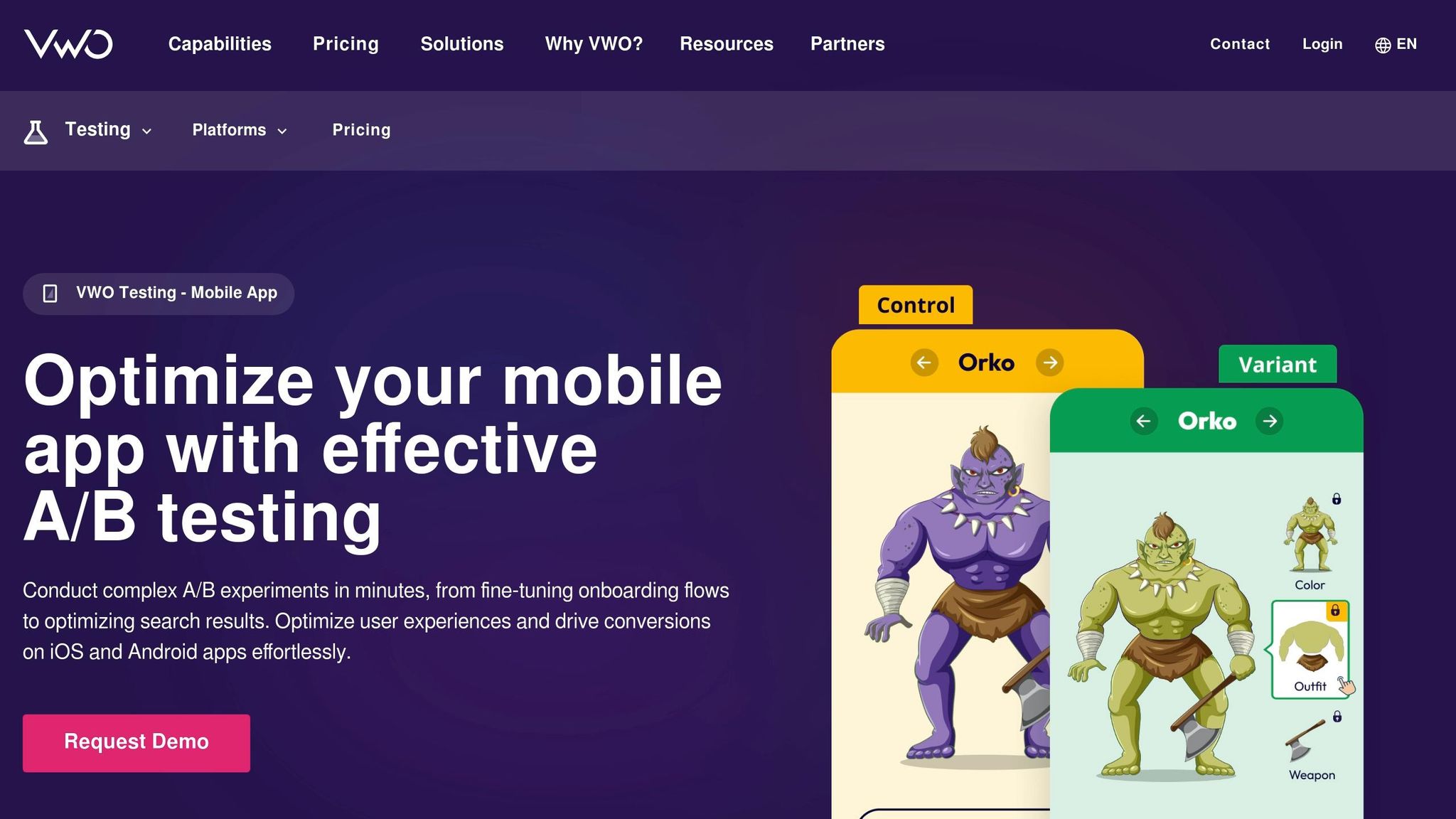
VWO provides a lightweight SDK designed to minimize any impact on your app’s performance. The Android SDK size is about 200KB, while the iOS version is around 285KB, both requiring only 100KB–300KB of RAM.
It supports two setup options: a variable-based method for simple UI tweaks and a code-based approach for handling more complex logic. These setups are compatible with iOS, Android, Flutter, Cordova, and React Native platforms[12,15].
VWO’s Bayesian-powered SmartStats engine is a standout feature, automatically identifying peeking errors and labeling variations as “Better Than Control” or “Worse Than Control” in real time. Additionally, session recordings and heatmaps help pinpoint areas where users hesitate or abandon the process, such as during checkout.
For teams managing multiple experiments simultaneously, mutually exclusive groups safeguard data accuracy by preventing test overlap. For time-sensitive campaigns, the Multi-Armed Bandit approach shifts user traffic quickly to the best-performing variations[12,15]. Tara Rowe, Marketing Technology Manager, shares her experience:
"As the project manager for our experimentation process, I love how the functionality of VWO allows us to get up and going quickly but also gives us the flexibility to be more complex with our testing".
These capabilities make VWO a versatile tool for a wide range of mobile A/B testing needs. The platform offers a 30-day trial with full features and no credit card required. For businesses ready to commit, the Enterprise plan starts at $1,595 per month (billed annually) and supports up to 50,000 monthly users. With a 99% customer satisfaction score – well above the industry average of 94% – VWO has earned a reputation for reliability and effectiveness[3,12].

2. Optimizely
Optimizely brings together experimentation across mobile apps, websites, and APIs, offering seamless performance with its in-memory bucketing. This ensures experiments run without lag, even when multiple tests occur simultaneously.
With feature flags, you can instantly toggle new features, modify UI elements, or roll back updates without waiting for App Store or Google Play approvals. This flexibility keeps your app agile and responsive.
Its Stats Engine employs sequential testing and Bayesian methods to deliver immediate and reliable results. Plus, direct integration with platforms like Snowflake, BigQuery, and Databricks allows you to track metrics like revenue and retention effortlessly, without needing additional data exports.
Timothy P., Director of Digital Product at Quip, highlights the platform’s versatility:
"Optimizely's experimentation platform is the solution for A/B testing and feature flagging. It satisfies both an engineering team that needs robust SDKs and APIs to build complex experiments, and non-technical users to create and view the results of their own experiments."
The platform’s impact is evident in real-world applications. Brooks Running, for instance, reduced product return rates by 80% by combining personalized sizing recommendations with their business data. Similarly, Quip’s digital product team became 40 times faster at launching A/B tests compared to their previous setup.
Optimizely Rollouts offers a free plan tailored for startups, including access to feature flags and one A/B test. For larger businesses, pricing is customized based on Monthly Active Users, with entry-level plans starting around $36,000 annually and enterprise-tier plans exceeding $200,000 per year. These features showcase how Optimizely empowers businesses to make data-driven decisions, improving both mobile app performance and user experience.
3. AB Tasty
AB Tasty brings a comprehensive approach to mobile testing by combining A/B testing, personalization, and feature rollouts into one unified platform. Trusted by over 1,000 brands globally, it provides dedicated SDKs for iOS, Android, React Native, and Flutter, making it a flexible choice for mobile app optimization.
The platform simplifies the entire testing process – from forming hypotheses to verifying implementation in real time. Its “Verify Implementation” tool ensures that your SDK is properly configured, confirming it sends events and receives flag data before you go live.
A standout feature is sequential testing, which identifies underperforming experiments early. This allows you to stop ineffective tests and focus on those showing better results. Additionally, AB Tasty reduces risks during feature rollouts with progressive releases and KPI-triggered automatic rollbacks, ensuring smoother updates.
Real-world examples highlight its impact. Sage reported a 30% boost in transactions, while Eurosport quickly gathered 5,000 survey responses. Paul Branco, Sr. Director of Product Management, praised the platform:
"AB Tasty offered a feature-rich solution with efficient implementation and excellent support".
Pricing Information: AB Tasty uses a custom, quote-based pricing model. While public rates aren’t available, they do offer a free trial, allowing you to explore the platform before committing.

Firebase A/B Testing adds a powerful option to your mobile testing toolkit, offering a budget-friendly and integrated solution. Built into the Firebase platform, it works seamlessly with Remote Config for in-app adjustments and Cloud Messaging for notification experiments. This means you can quickly tweak UI elements, features, or business logic without waiting for app store approvals.
The tool relies on GA4 for measurement and uses frequentist inference (p<0.05) to assess statistical significance. It allows you to target users based on criteria like app version, language, country, or custom Analytics properties. Each experiment can have up to 8 variants and run for a maximum of 90 days. You can manage up to 300 experiments per project, with a limit of 24 active and 24 draft experiments at any given time.
Real-world success stories highlight its potential. In 2026, Pomelo Games increased revenue by 35% by experimenting with ad frequency and placement. Similarly, Tapple boosted user registrations by 8% with a subscription prompt test involving 5 million users. Mobills saw a 15% rise in subscriptions through interface testing.
For deeper insights, you can export data to BigQuery for long-term analysis, such as tracking lifetime value or cohort retention. When starting experiments, it’s a good idea to begin with a small user group, use activation events to measure only exposed users, and set default parameters in your code to ensure app stability if a fetch fails.
Firebase A/B Testing is free to use, but exporting data to BigQuery requires the Blaze plan. If you’re using the Spark plan, you can access a free sandbox. Keep in mind that GA4 audiences may take 24–48 hours to populate for targeting purposes.
5. Apptimize
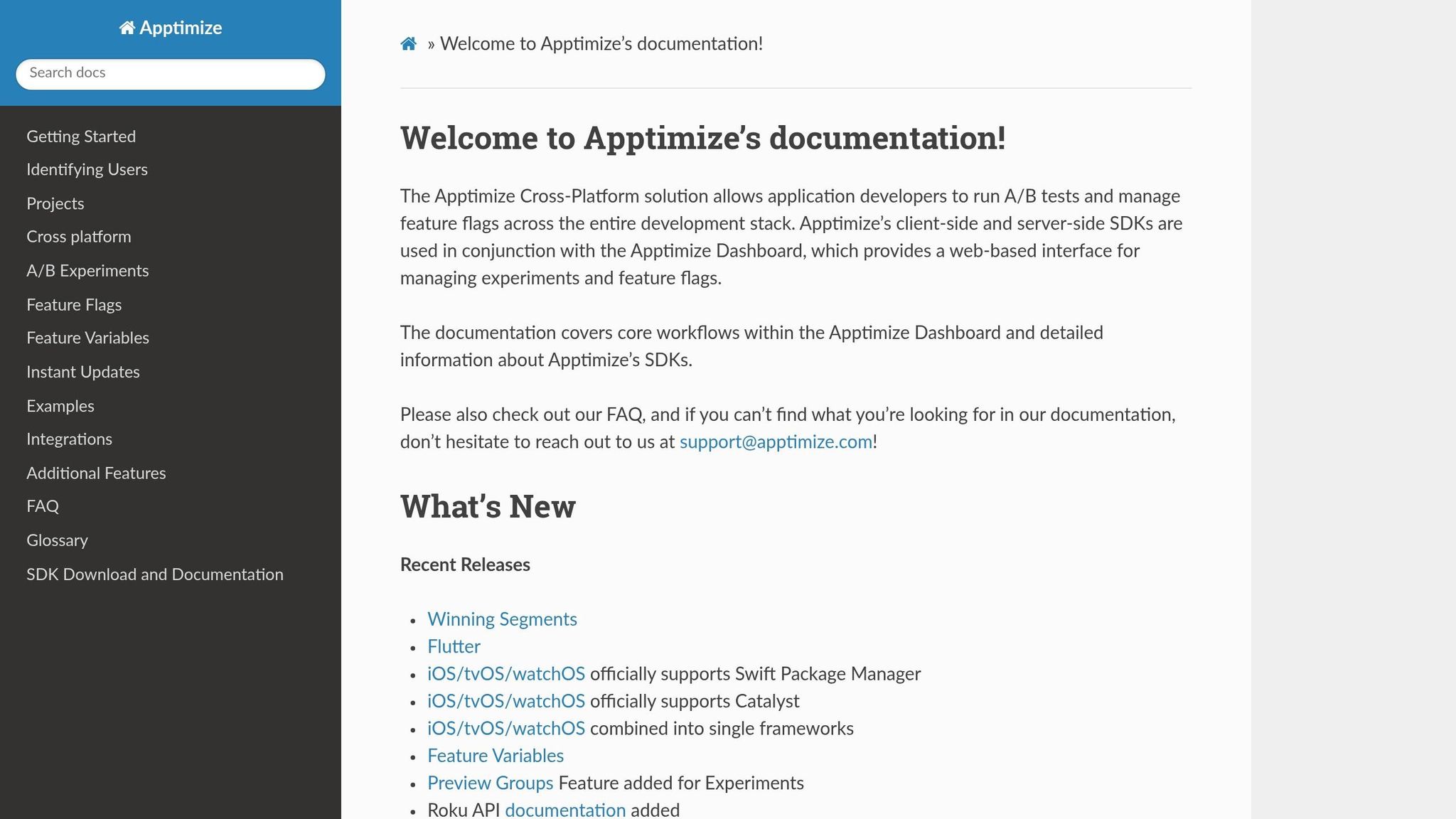
Apptimize offers a visual editor that lets you make real-time UI changes to native iOS and Android apps without writing a single line of code. Using its WYSIWYG interface, you can adjust text, colors, images, and buttons directly, skipping the hassle of App Store approval cycles. Simply pair a physical device or simulator with the dashboard, and you’re ready to go. This user-friendly tool is the starting point for a variety of experiment types.
Apptimize supports three main experiment types:
- Visual experiments: Perfect for no-code UI adjustments.
- Code Block experiments: Ideal for implementing more complex back-end logic.
- Dynamic Variables: Allow you to tweak tagged variables directly from the dashboard.
Getting started is straightforward, with installation options tailored to your platform. You can integrate it via package managers like Swift Package Manager for iOS or use manual SDK installation. Cross-platform experiments are managed through a single dashboard, and server-side testing is supported with Java, Node.js, Python SDKs, or a REST endpoint.
As for pricing, Apptimize offers a free plan for basic feature flagging and targeting, a 30-day trial with full access to premium features, and custom-priced premium tiers. Users on SaaSworthy give it a 4.2/5 rating, praising its intuitive interface, though some mention encountering minor technical glitches.
One thing to keep in mind: Apptimize’s mobile SDKs can increase your app’s bundle size due to real-time update streaming. Also, visual experiments are limited to native iOS and Android apps, so if you’re working with other platforms, you’ll need to rely on Code Blocks or Dynamic Variables instead.



6. Amplitude
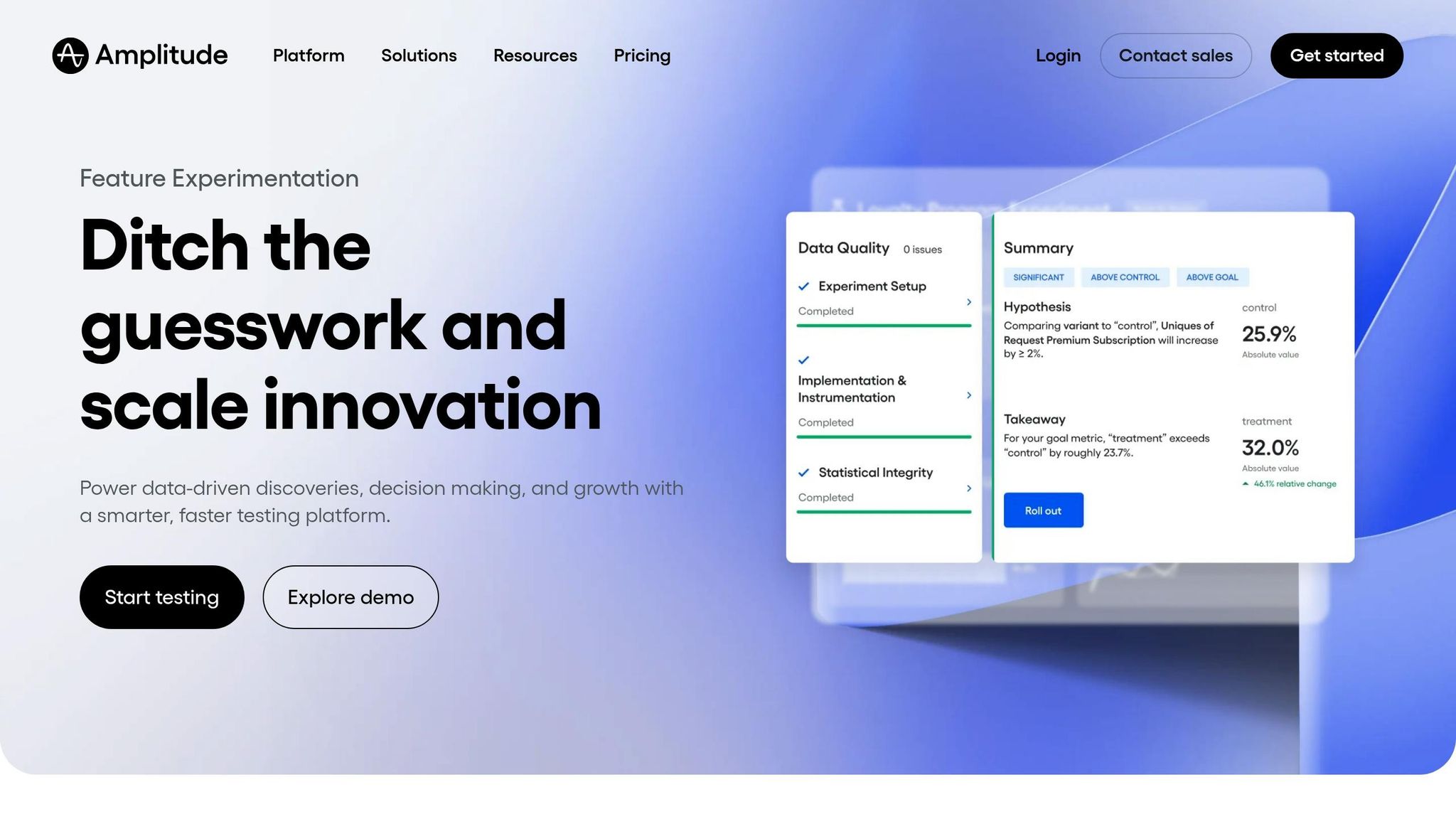
Amplitude takes mobile A/B testing to the next level by combining analytics and experimentation into a single platform. This integration means you don’t need separate tools – everything from events and behavioral cohorts to metrics works seamlessly across iOS, Android, and web experiments. It’s no surprise that Amplitude was named the only “Leader” in Forrester’s Q3 2024 Wave report for Feature Management and Experimentation Solutions. This recognition is backed by its robust feature control capabilities.
One standout feature is the use of feature flags, which allow you to control rollouts and experiments without waiting for app store approvals. Amplitude offers two evaluation modes: Local Evaluation for ultra-fast variant assignment and Remote Evaluation for more complex, context-driven targeting. Its mobile-friendly SDK is optimized for offline functionality, ensuring a smooth user experience even when there’s no network connection.
Amplitude simplifies the testing process with a “Design, Rollout, Learn” workflow. This workflow includes guided hypothesis building and automated alerts for data quality. The platform also supports dynamic UI updates using JSON payloads, eliminating the need for redeployment. For statistical accuracy, Amplitude offers a range of testing methods, including sequential testing (the default), T-tests, multi-armed bandits, CUPED, and mutual exclusion groups.
The results speak for themselves. For example, LIFULL HOME’S increased their experiment success rate by 2.8x and saw a 10x boost in housing leads. Similarly, Rebuy achieved a 30% improvement in smartphone inventory through their testing efforts. Hernan Garcia, Head of Product at Rebuy, shared:
"Experiment liberated our product and marketing teams. The easy-to-understand charts and graphs mean they don't need help interpreting the numbers, which saves our data science teams time while unblocking experimentation for product and marketing teams".
Amplitude’s pricing is designed to cater to teams of all sizes. It starts with a free tier for those just getting started, while the Plus plan begins at $49 per month for up to 300,000 Monthly Tracked Users (MTUs). Startups with under $10M in funding and fewer than 20 employees can take advantage of one free year of the Growth plan through the Amplitude Startup Scholarship. Additional features, like the “Accounts” add-on for B2B bucketing, are available as paid options.
7. Taplytics
Taplytics combines mobile A/B testing and feature management in one platform. Handling billions of events daily, it supports iOS, Android, React Native, and Unity through its SDKs. What sets it apart is its dual approach to experimentation: a no-code visual editor for non-technical teams and an SDK for developers.
Setting up experiments is simple. Non-technical users can run tests using the visual editor, while developers can create more advanced experiments through the SDK. The platform also offers real-time analytics, statistical significance testing, and raw data export for deeper insights.
Joshua Petrovani Miller, Product Lead at the app Lasting, shared how Taplytics helped improve their user activation funnel:
"We used A/B testing to optimize our mobile user activation funnel and achieved a 38% increase in conversions on Android by letting the data speak for itself".
Pricing begins with the Pro plan at $500 per month, which includes unlimited A/B testing, feature flags, and user seats. For businesses with more complex needs, Enterprise and Custom plans are available through direct quotes. These plans offer advanced analytics, SSO, dedicated support, and specialized integrations. A free trial is also available, allowing you to explore the platform before committing.
Taplytics has an 86% satisfaction rating, with users appreciating its visual editor and customer support. However, some mention a learning curve and a lack of clarity around pricing. The platform effectively blends analytics with a user-friendly interface.
Turn insights into impact.
If your app isn’t testing, it’s guessing. Let’s build a smarter experimentation system that drives measurable growth.
Book a Discovery CallConclusion
Choosing the right mobile A/B testing tool depends on your team’s needs, expertise, and goals. For startups already using Google Analytics, Firebase A/B Testing offers a free, integrated solution that’s easy to get started with. On the other hand, large enterprises requiring advanced governance and full-stack capabilities might find Optimizely or VWO better suited to their needs.
If rapid experimentation is your priority, Taplytics provides a no-code visual editor to speed up iterations. For teams focused on data-driven decisions, Amplitude combines analytics with experimentation seamlessly. E-commerce platforms can leverage AB Tasty for AI-powered personalization, while Apptimize ensures consistency across mobile, web, and OTT platforms.
One critical factor to evaluate is SDK performance. For example, VWO’s SDK uses only 100KB to 300KB of RAM, ensuring your app’s performance remains unaffected. To ease into the process, consider starting with a low-risk pilot project, such as a simple feature flag, to validate your platform setup before diving into more complex experiments.
Continuous testing is essential, especially since mobile devices see the highest cart abandonment rate at 85.65%. Whether you’re refining small UI elements or implementing enterprise-level features, keeping performance overhead low is crucial. Pairing quantitative A/B test results with qualitative insights, like session recordings, can help pinpoint user friction points and avoid misleading results.
FAQs
To choose the best mobile A/B testing tool, focus on key features like real-time analytics, audience segmentation, and cross-platform compatibility. Make sure the tool works with your platform – whether it’s iOS, Android, or both – and fits within your budget. It should also align with your business objectives, such as boosting user engagement or increasing conversions.
Look for tools that are easy to use, integrate smoothly into your existing workflow, and provide clear, actionable insights from your experiments. A user-friendly interface and seamless integration can save time and help you get the most out of your testing efforts.
To steer clear of false positives in mobile A/B tests, it’s crucial to apply the right statistical controls and design your test samples thoughtfully. Start by reducing noise and bias in your data. This can be achieved by using techniques that identify and address statistical errors. Additionally, pay close attention to how your samples are constructed to prevent issues in data collection or analysis that could compromise your results.
You can conduct A/B tests on mobile apps without needing to push a new app store update by using tools that offer remote configuration and feature toggles. These tools let you tweak features or test variations in real-time, bypassing the delays associated with app store approvals. This method enables you to roll out changes gradually and experiment with different in-app experiences directly within the app, all while maintaining full control.

Visual Soldiers
Visual Soldiers is an Atlanta-based creative studio specializing in branding, design & digital experiences.